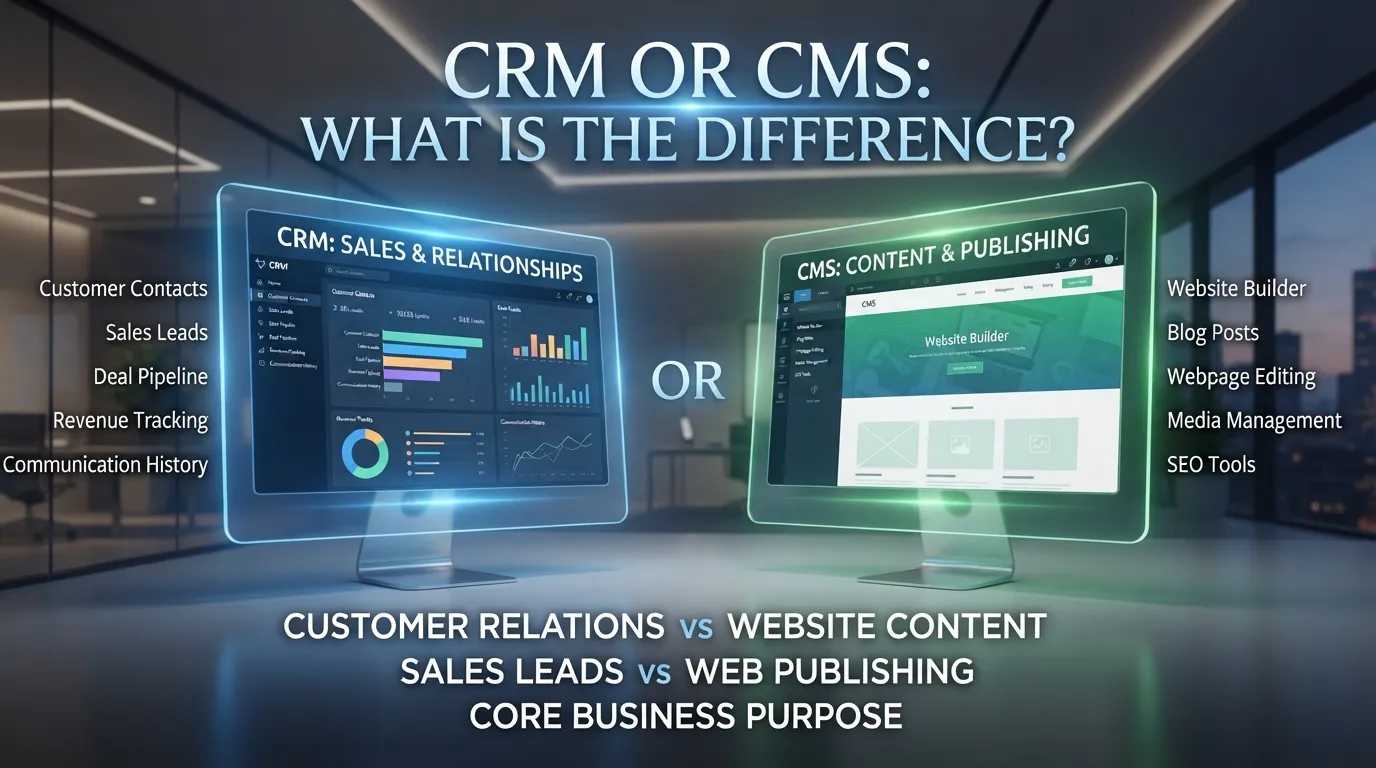
CRM or CMS? These two terms may look alike, but they have different jobs. Both help people run a business or website. However, each one is made for a different task.
CRM stands for Customer Relationship Management. It helps a business keep track of its customers. It can store names, phone numbers, emails, sales, and customer needs. A business can use a CRM to talk to customers and build good relationships.
CMS stands for Content Management System. It helps people make, edit, and share content on a website. A CMS can help you add blog posts, pictures, pages, and other website content.
For example, a shop may use a CRM to keep customer details. The same shop may use a CMS to share product news on its website.
Knowing the difference between CRM and CMS can help you choose the right tool. The best choice depends on your needs. Some businesses may even use both tools together.
CRM or CMS: Pronunciation
- CRM: Say each letter: “C-R-M.”
- CMS: Say each letter: “C-M-S.”
Both are short forms used in business and technology.
Difference Between CRM and CMS
1. Meaning
CRM means Customer Relationship Management. It helps a business manage customer details and contact.
CMS means Content Management System. It helps people manage content on a website.
Examples:
- A shop uses a CRM to save customer details.
- A writer uses a CMS to add a blog post.
2. Main Purpose
A CRM helps a business find, serve, and keep customers.
A CMS helps people make and share website content.
Examples:
- A sales team uses a CRM to follow up with buyers.
- A website owner uses a CMS to post news.
3. Main Users
Sales teams, customer care teams, and marketing teams often use a CRM.
Writers, editors, website owners, and content teams often use a CMS.
Examples:
- A sales worker checks customer details in a CRM.
- An editor checks an article in a CMS.
4. Type of Data
A CRM stores customer data. This may include names, emails, calls, and sales records.
A CMS stores website content. This may include text, photos, videos, and web pages.
Examples:
- A CRM stores a customer’s email.
- A CMS stores a website article.
5. How It Helps a Business
A CRM helps a business understand its customers and keep in touch with them.
A CMS helps a business share useful content with people online.
- A CRM reminds a worker to call a customer.
- A CMS helps a worker publish a new page.
6. Main Features
A CRM may have contact lists, sales tools, task reminders, and customer reports.
A CMS may have page tools, text editors, image tools, and ways to publish posts.
Examples:
- A CRM can show which customers need a call.
- A CMS can help add a photo to a page.
7. Daily Use
People use a CRM to check customer records and follow up on sales.
People use a CMS to write, edit, and post content.
Examples:
- A worker checks a customer’s last call in a CRM.
- A writer fixes a typo in a CMS.
8. Main Goal
The main goal of a CRM is to help manage customer relationships.
The main goal of a CMS is to help manage digital content.
Examples:
- A CRM helps a team care for customers.
- A CMS helps a team keep website content up to date.
9. Who Needs It?
A business that deals with many customers may need a CRM.
A person or group that runs a website may need a CMS.
Examples:
- A car dealer may use a CRM to track buyers.
- A school may use a CMS to update its website.
10. Can They Work Together?
Yes. A CRM and a CMS can work together. One can help manage customer details, while the other manages website content.
Examples:
- A company uses a CRM to follow up with buyers and a CMS to share product guides.
- A school uses a CRM to manage contacts and a CMS to post school news.
You may also read :https://lengovia.com/rsv-or-croup/
Nature and Behaviour
CRM and CMS are both tools that help people do their work. But they focus on different things.
A CRM focuses on people and customer details. It helps a team know who its customers are and what they need.
A CMS focuses on website content. It helps people add new pages, fix text, and share news.
In simple words, a CRM helps manage customer relationships, while a CMS helps manage website content.
Why Do People Get Confused?
People may confuse CRM and CMS because both are used by businesses. Both can also help teams save time and keep work in order.
The short forms look alike, too. Both start with the letter C and end with M or S.
However, their main jobs are different. A CRM focuses on customers. A CMS focuses on content.
CRM vs CMS: Comparison Table
| Feature | CRM | CMS |
| Full form | Customer Relationship Management | Content Management System |
| Main job | Manage customer relationships | Manage website content |
| Main users | Sales and customer care teams | Writers and website teams |
| Stores | Customer details and sales records | Pages, posts, and images |
| Main goal | Help serve customers | Help share content |
| Common task | Follow up with a customer | Publish a blog post |
| Best for | Customer care and sales | Website content |
| Example use | Save a customer’s contact details | Add a new page to a website |
Origin of CRM and CMS
CRM stands for Customer Relationship Management. It is a way to manage customer details and contact. Today, many businesses use CRM software to help with sales and customer care.
CMS stands for Content Management System. It is software that helps people make and manage digital content. Many website owners use a CMS to add and edit pages without writing all the code themselves.
Both tools have changed as technology has grown. Today, they can help small teams and large businesses.
British vs American English
CRM and CMS have the same meanings in British and American English.
- CRM: Customer Relationship Management.
- CMS: Content Management System.
There is no major spelling difference between the two forms of English. People use these short forms in business, online work, and technology.
Which One Should You Use?
Choose a CRM if you need to manage customer details, sales, or follow-up tasks.
Choose a CMS if you need to make or update a website.
For example, a shop may use a CRM to keep customer records. It may use a CMS to add product details to its website.
Some businesses need both. The right choice depends on the work you want to do.
Common Mistakes
Here are some mistakes people may make when using CRM and CMS.
– Mistake: CRM and CMS mean the same thing.
Correct: CRM manages customer relationships, while CMS manages content.
– Mistake: A CRM is only for big companies.
Correct: Small businesses can use a CRM, too.
– Mistake: A CMS is only for writers.
Correct: Website owners, editors, and other teams can use a CMS.
– Mistake: A CMS always needs coding skills.
Correct: Many CMS tools let people edit content without writing code.
– Mistake: A business must choose only one.
Correct: A business can use both tools if it needs them.
Everyday Usage
CRM and CMS are common in business and online work.
CRM examples:
- “We use a CRM to save customer details.”
- “The CRM reminds me to call a buyer.”
CMS examples:
- “I use a CMS to publish blog posts.”
- “The CMS helps me update my website.”
These are natural ways to use the terms in everyday work.
Usage Trends
Many businesses use digital tools to save time and keep work in order.
CRM tools help teams manage customer contact and sales. CMS tools help teams publish and update online content.
Some tools also connect with other business systems. This can help teams share information and work together.
The best tool depends on the size of the team, its goals, and the tasks it needs to do.
Metaphors and Similes
A metaphor describes one thing as another. A simile compares two things using words such as like or as.
You can think of a CRM as a digital customer notebook. It helps a team keep customer details in one place.
You can think of a CMS as a digital content desk. It helps a team write, edit, and share website content.
These simple comparisons make the difference easy to remember.
Connotative Meaning
CRM often brings to mind customers, sales, and good service. It is linked to keeping in touch with people and meeting their needs.
CMS often brings to mind websites, writing, and online posts. It is linked to making content easy to manage.
Neither term is better than the other. Each tool has a different job.
Idioms and Proverbs
CRM and CMS do not have special idioms of their own. However, some common phrases can help explain their use.
- Keep in touch: Stay in contact with someone. This relates to CRM work.
- Keep things in order: Make sure things are neat and easy to find. Both tools can help with this.
- Get the word out: Share news or information with people. This can relate to CMS work.
Literature and Movies
CRM and CMS are technology terms, not book or movie titles.
Books about business may discuss CRM and customer care. Guides about website design may explain CMS tools and how to publish content.
Some films show people running companies or working with technology, but they may not explain these tools directly. For learning, a simple business or website guide may be more useful.
Why Does This Difference Matter?
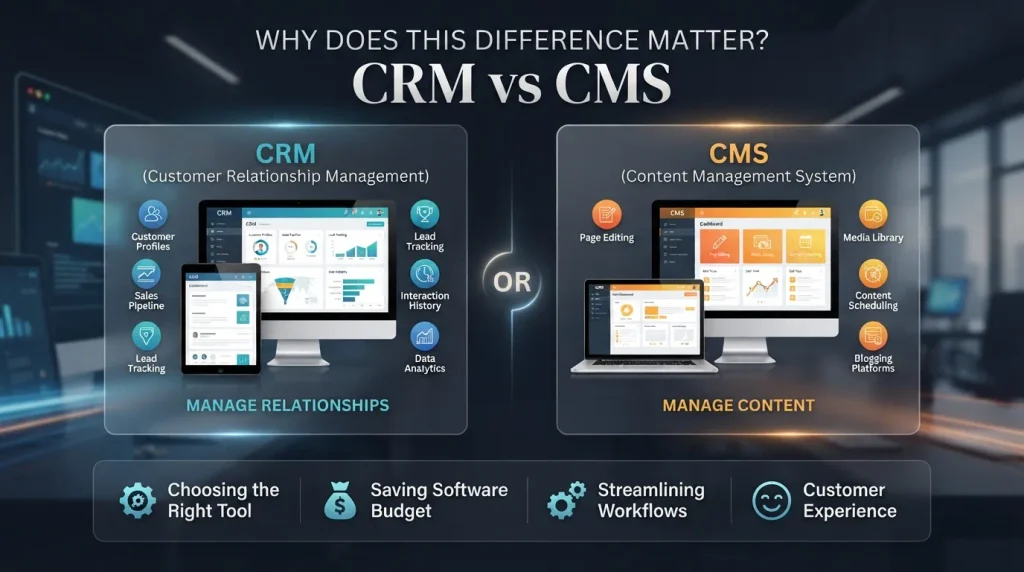
Knowing the difference between CRM and CMS can help you choose the right tool.
If your main need is to manage customer details, a CRM may help. If your main need is to add or edit website content, a CMS may be the right choice.
Choosing the right tool can save time and help people work better. It can also stop a team from paying for tools it does not need.
Usefulness in Daily Life
CRM and CMS can help people in many types of work.
A shop owner may use a CRM to keep customer records. A writer may use a CMS to publish articles. A school may use a CMS to share news and a CRM to manage contacts.
These tools help people keep information in one place. They can make daily tasks easier and help teams stay organized.
Situational Preference
Use CRM when you talk about customer details, sales, or customer care. For example, a sales worker may use a CRM to see when a customer was last contacted. Use CMS when you talk about website pages, blog posts, or online content. For example, a writer may use a CMS to publish a new article. If your work includes both customer care and website content, you may need both tools. Think about your main task before you choose.
Fill in the Blanks
Complete each sentence with CRM or CMS.
- A ______ helps a business manage customer details.
- A ______ helps people add pages to a website.
- Sales teams often use a ______.
- Writers may use a ______ to publish articles.
- A business can use both ______ and CMS tools.
Answers: 1. CRM; 2. CMS; 3. CRM; 4. CMS; 5. CRM.
Quiz Questions
1. What does CRM stand for?
A. Customer Relationship Management B. Content Reading Method C. Customer Record Machine D. Computer Room Manager
Answer: A. Customer Relationship Management
2. What does a CMS mainly help manage?
A. Customer calls B. Website content C. Shop keys D. Phone numbers only
Answer: B. Website content
3. Who may use a CRM?
A. A sales worker B. A chef only C. A bus driver only D. A painter only
Answer: A. A sales worker
4. Which tool can help publish a blog post?
A. CRM B. CMS C. Neither tool D. Both are always needed
Answer: B. CMS
5. Can a business use CRM and CMS together?
A. Yes B. No C. Only schools can D. Only large shops can
Answer: A. Yes
Possible Questions
1. What is the main difference between CRM and CMS?
A CRM helps manage customer relationships. A CMS helps manage website content.
2. Is CRM a type of CMS?
No. They are different types of tools, though they may connect with each other.
3. Can a small business use a CRM?
Yes. A small business can use a CRM to keep customer details and follow up with buyers.
4. Can a CMS be used without coding?
Yes. Many CMS tools let users add and edit content without writing code.
5. Can CRM and CMS work together?
Yes. A business may use a CRM for customer details and a CMS for website content.
6. Which tool is best for a website?
A CMS is useful for making and updating website content. A CRM may also help if the website needs customer records or follow-up.
7. Do all businesses need both tools?
No. Some businesses need only one. Others may find both useful.
Conclusion
CRM or CMS are useful tools, but they do different jobs. CRM stands for Customer Relationship Management. It helps a business keep customer details and manage contact with buyers. CMS stands for Content Management System. It helps people make, edit, and share website content. A business may use a CRM to keep track of customers and a CMS to share news or product details online. Some businesses use both tools together. Remember this simple rule: CRM is for customer relationships, while CMS is for content management. When you know what your work needs, it is easier to choose the right tool.

Mahnoor Afzal is an educator, researcher, and English language content specialist focused on grammar, vocabulary, word differences, and meanings. I combines research, teaching, and SEO expertise to create clear and reliable English learning content at Lengovia.











1 thought on “CRM or CMS: What Is the Difference?”